
OKAY! So you wanna up your Instagram game to an another? And I’m glad to say that you are in the right place!
You can follow me on Instagram here: https://instagram.com/arunairr?igshid=xiuuli2b9sjw
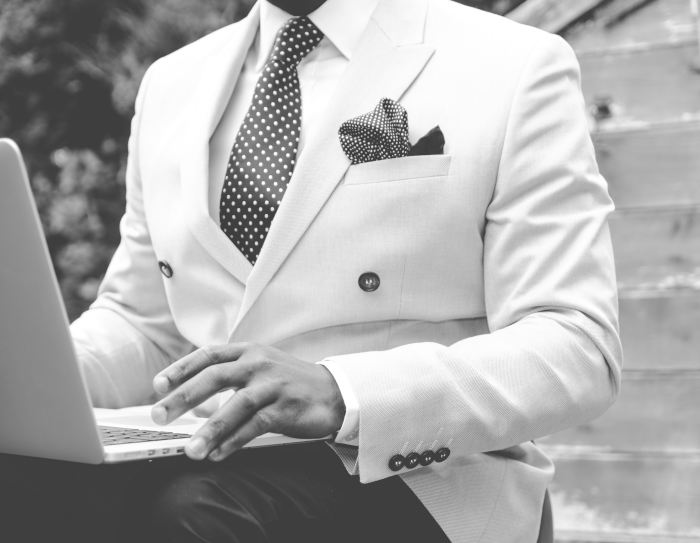
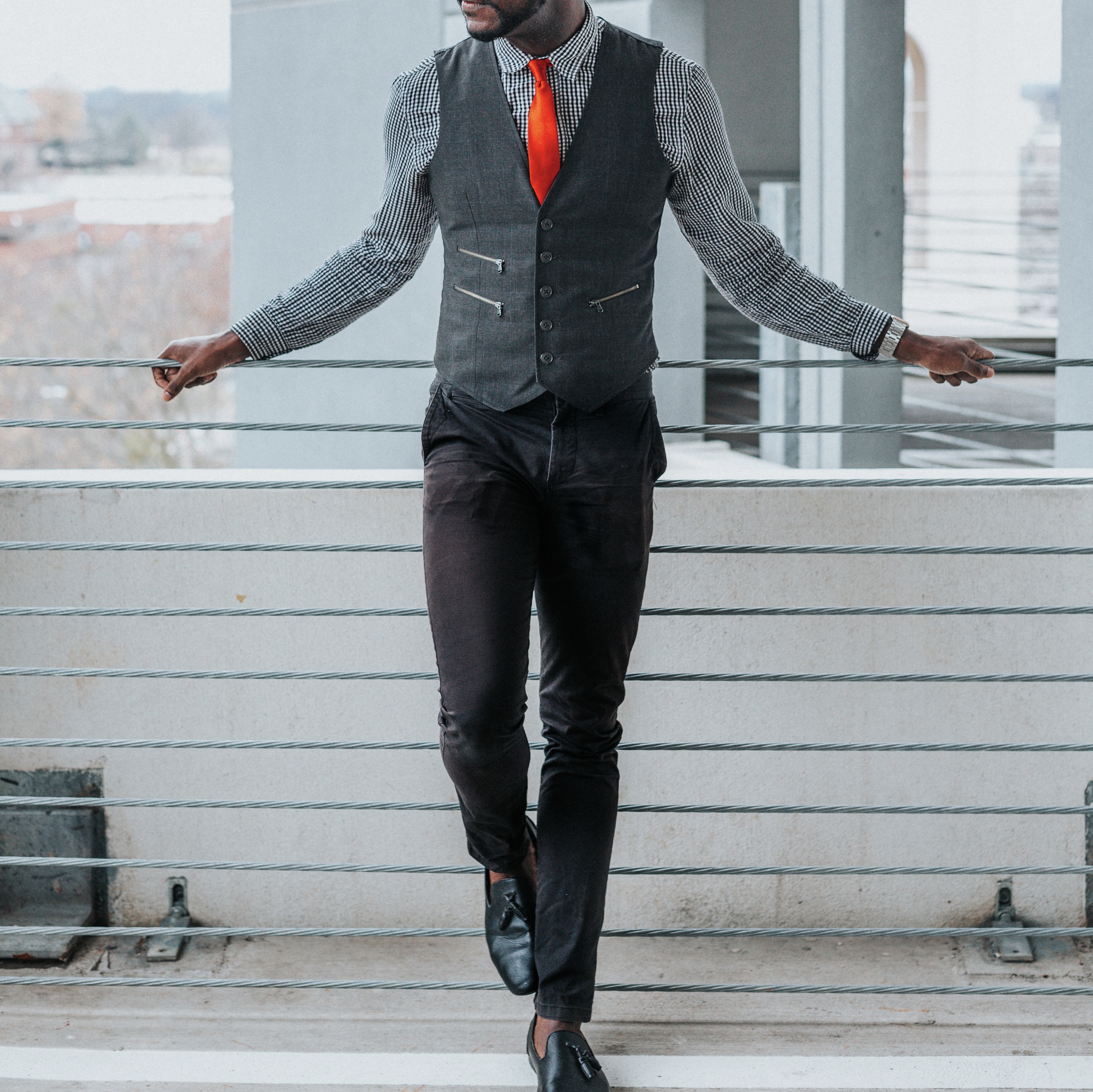
Before we start i would like to give you an idea of what you can expect from this blog👇🏻
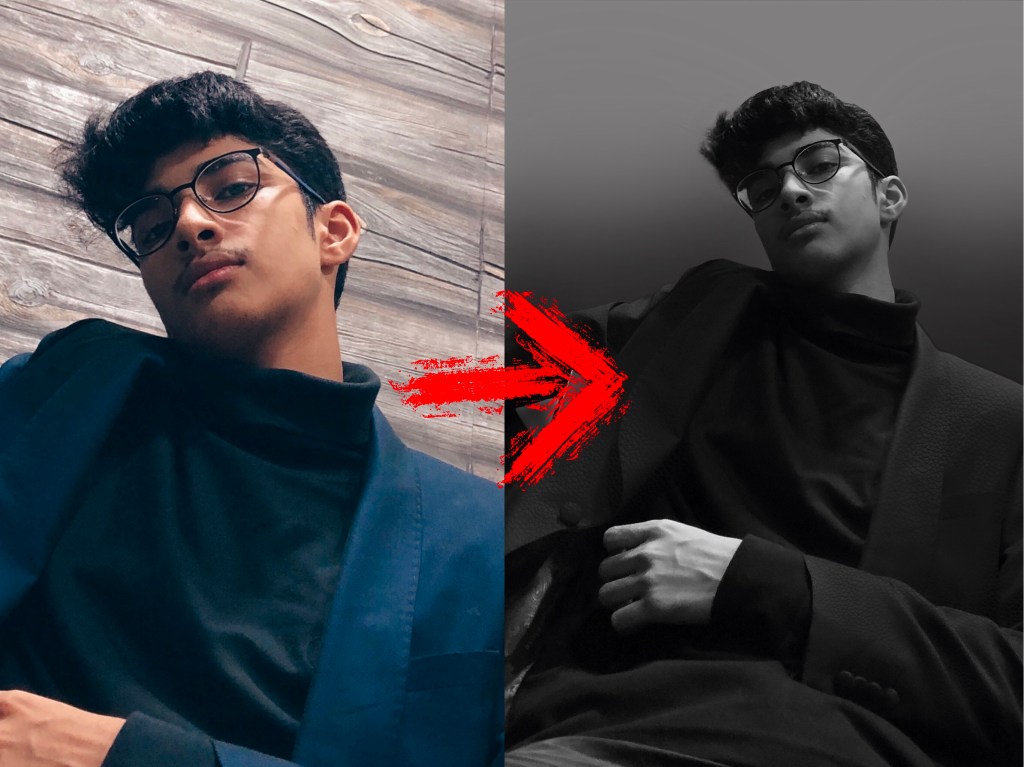
This is a very simple way you can transform your pics to look more professional and clean. So lets get STARTED
1] Lets start with the gear you are gonna use. There is no need to invest in a very expensive camera to take such pictures. The only thing you need is to be creative and think differently when it comes to Instagram.
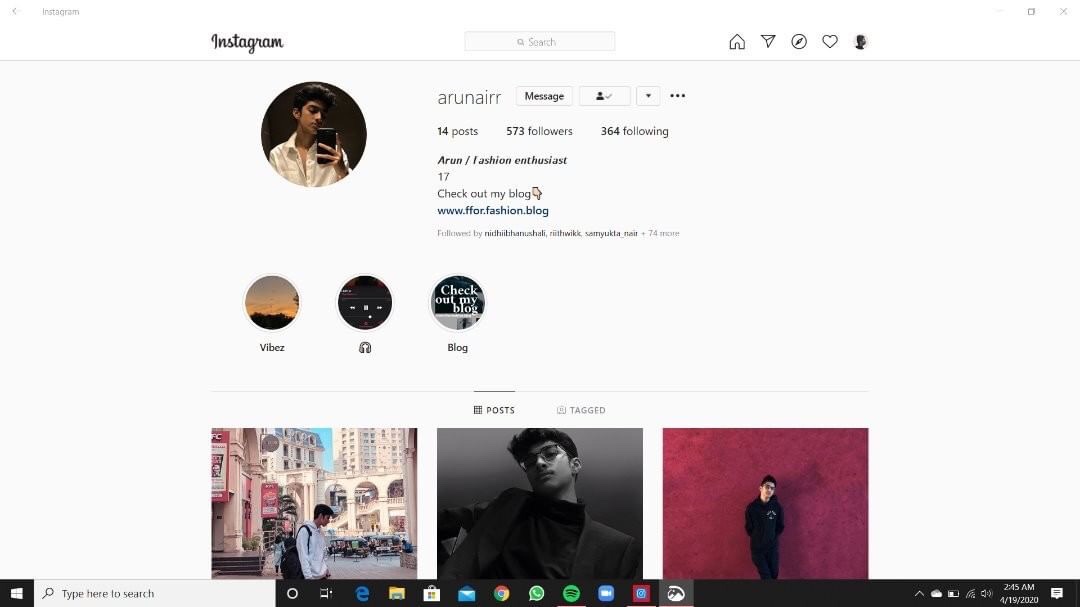
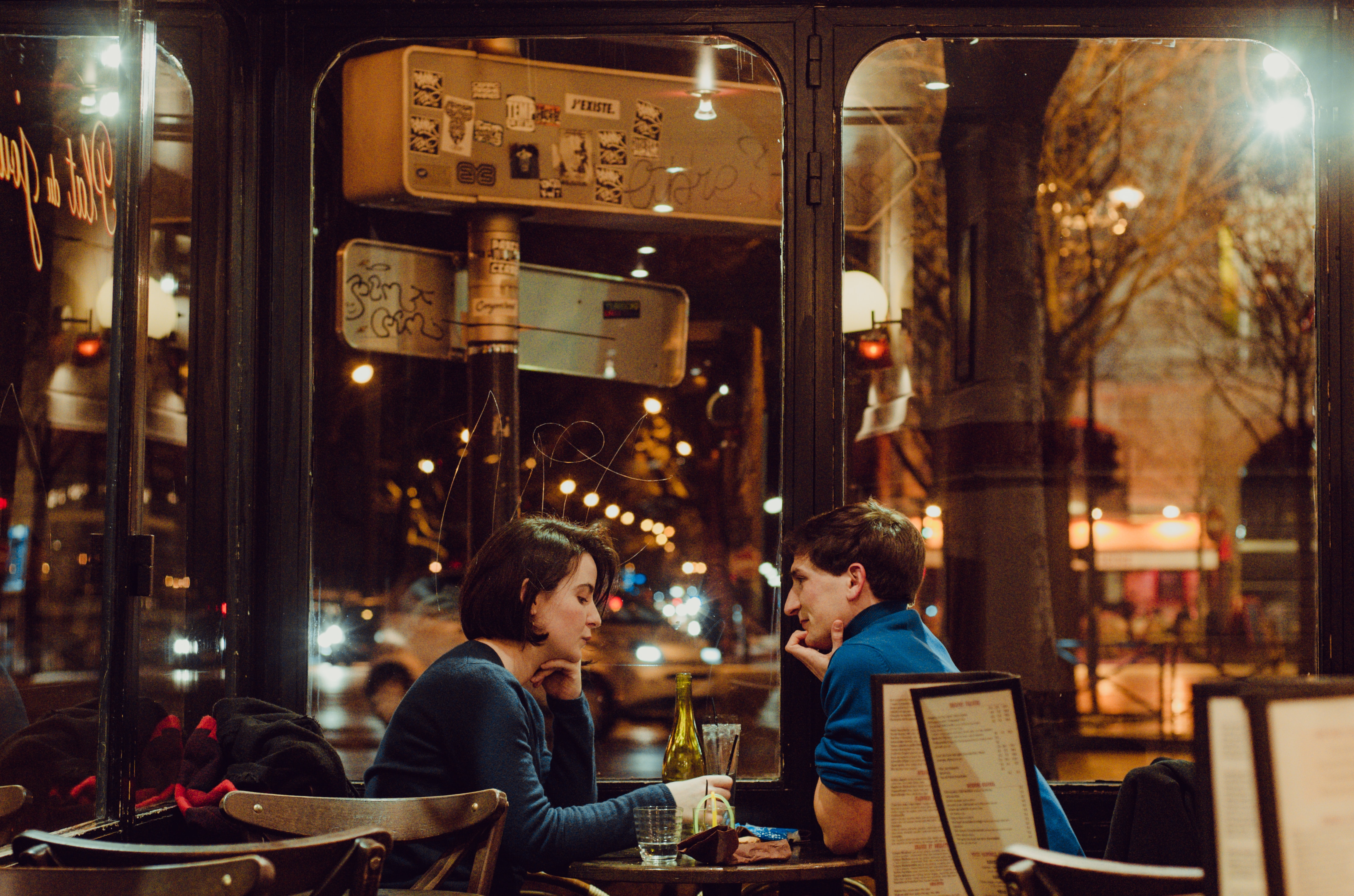
I myself used my phone to click these pictures. I personally used an iPhone but you can use an android phone too. Don’t use any filters which are in-built in the camera app, just use the normal camera settings. You don’t wanna come out looking full of filters. Just keep it raw and natural.
2] Click as many pics as you want, and later you’ll have to filter out the once you don’t want and the one’s you wanna use. Pick at least 2 to 3 of the best once and now we move towards the fun part – EDITING
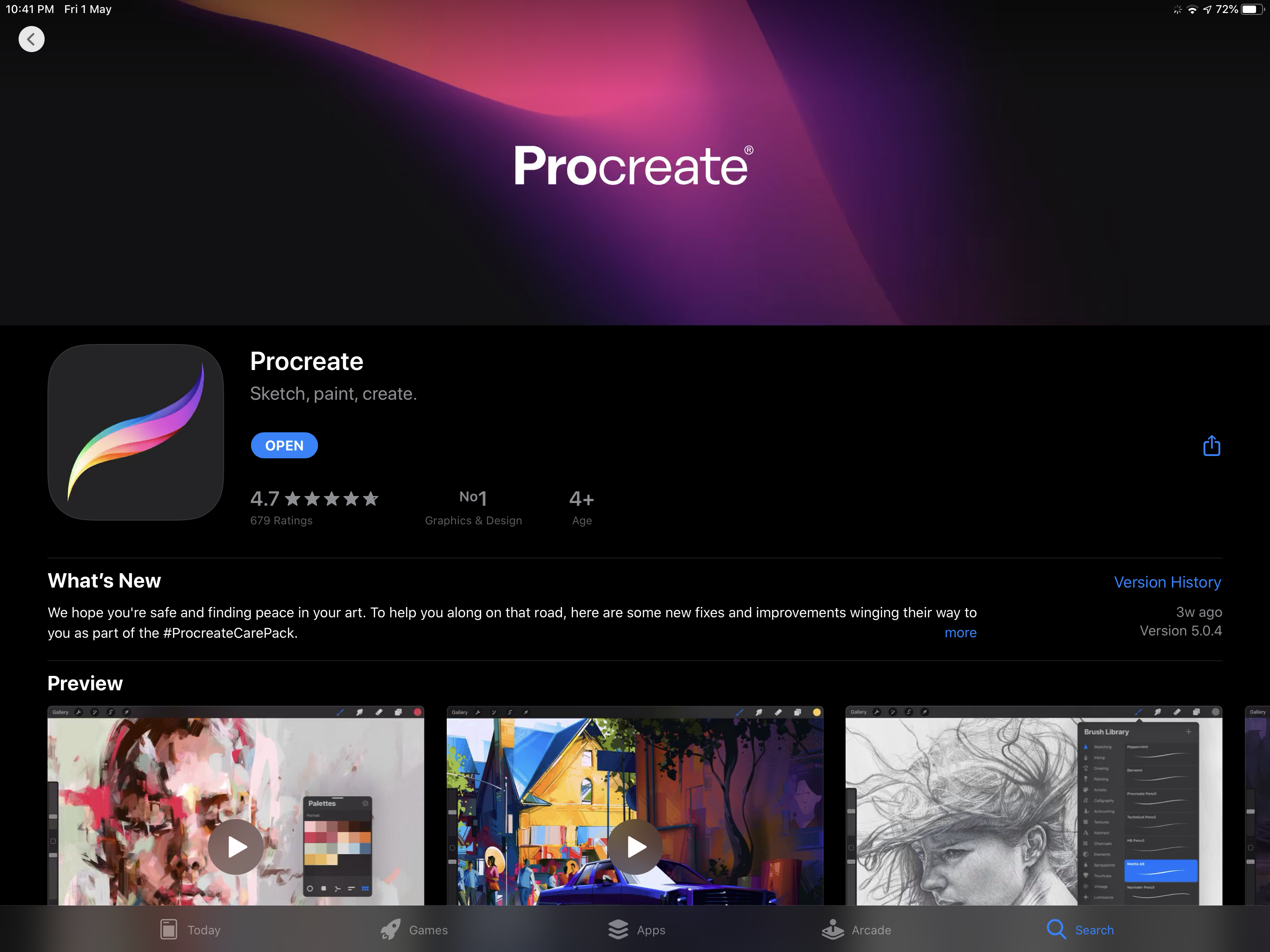
3] I use an app called “Procreate” on my ipad but you guys can go ahead and use any other application such as “Procreate pocket” which is for those who are gonna use a phone to edit.
4] Now you simply take your selected picture and import it into the app and start erasing the the BACKGROUND in your image and then colour your the background with your desired colour.
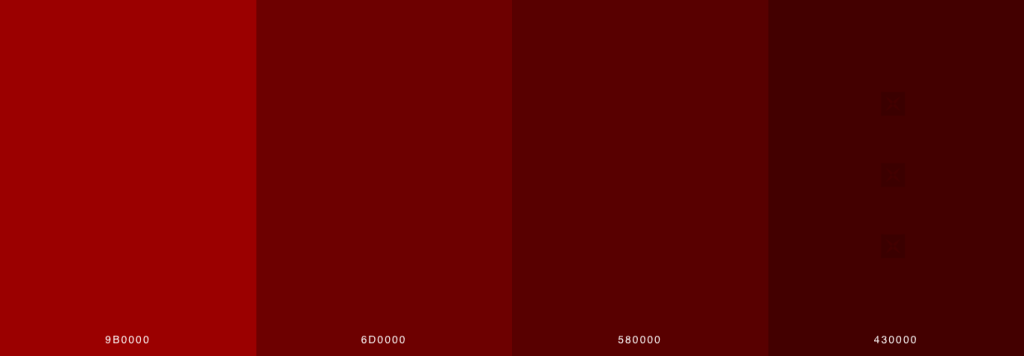
5] After you’ve done that you’ll notice that your picture looks a bit off or not up to the mark. To avoid such a mistake we add a darker tone of your colour in the background to make it look a bit more genuine or eye catching
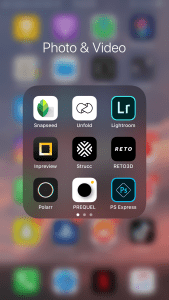
6] And then you export your pic and save it to your photos. Now you do some final editing/touches on your picture using some editing apps like Lightroom, Snapseed, PREQUEL, polarr …etc
Here are some editing apps I personally use👇🏻
Thank you soo much for reading my blog and I’ll catch you guys in the next one. Peace✌🏻


 F FOR FASHION